

Fluo.
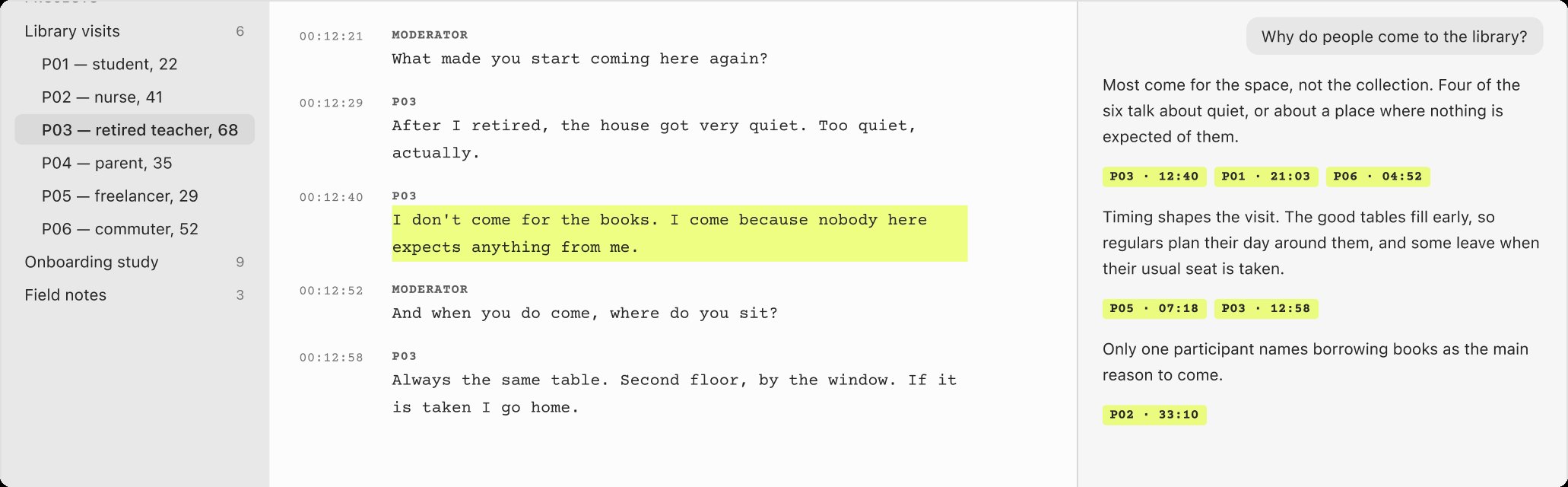
A macOS app for interview research. Highlight the quotes that matter, and use them as the sources for your analysis.
View caseFor complex organisations, and for my own projects:
A macOS app for interview research. Highlight the quotes that matter, and use them as the sources for your analysis.
View case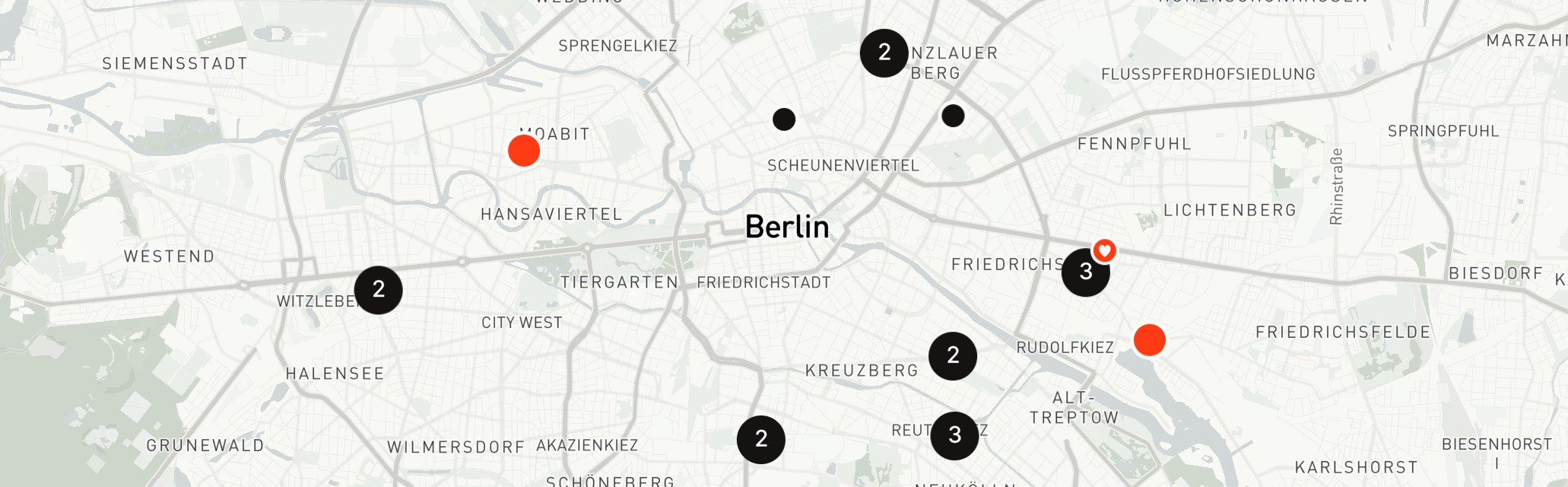
Find your next favourite record store with this iOS app.
View case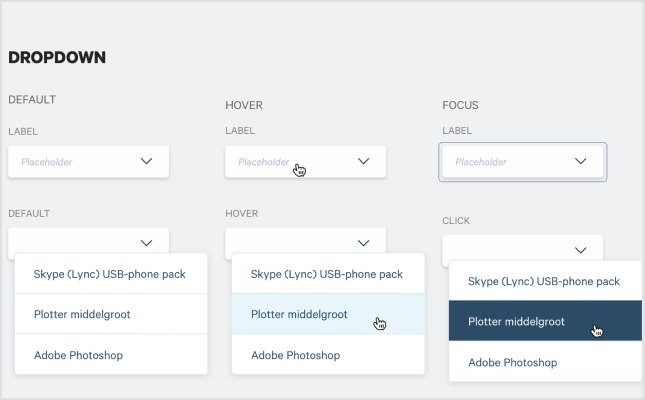
A design system that started in one small project and ended up across all of Infrabel's tools.
View case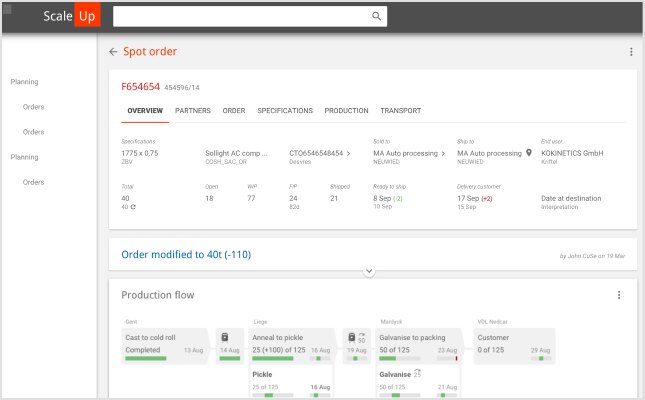
One production-planning application for European plants that each ran their own. I led the UX team and set up a shared design language across the plants.
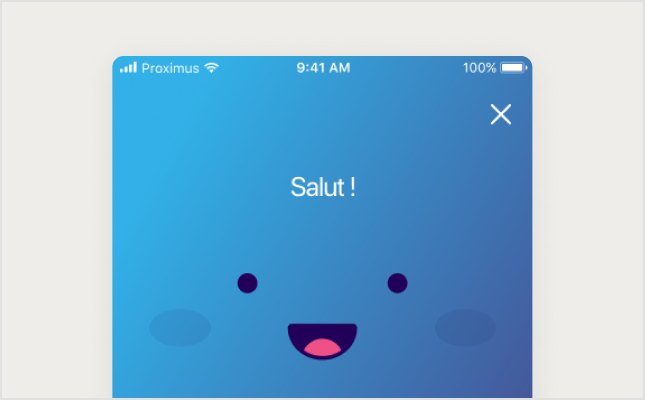
A banking app for iOS and Android. App Store rating from 2.3 to 4.7.
View caseAlso worked with










Scoped, designed, built.
Sometimes that means designing a new product. Sometimes it means untangling workflows, aligning teams, or finding patterns hidden in hundreds of customer conversations. The output might be a prototype, a design system, or production-ready software. The goal is always the same: turning ambiguity into something people can build on.
Over the past 20+ years, I've worked with startups, scale-ups, and large organizations across a wide range of industries. While the contexts differ, the underlying challenge is usually the same: too much complexity, too many assumptions, and not enough shared understanding. Often the answer is one design language that many teams, brands or sites can share.
My work combines product design, research, and systems thinking, with accessibility built in from the start. I enjoy moving between strategy and execution, from facilitating discovery workshops and mapping end-to-end experiences to designing interfaces and working closely with engineers to ship them. I've led a UX team and coached designers along the way. I don't see any of this as separate disciplines, just different tools for solving the same problem.
I also build products of my own. Taking software from idea to launch keeps me close to what building really costs.
Outside of design you'll find me digging through record stores, on my bike, or hosting my weekly radio show.
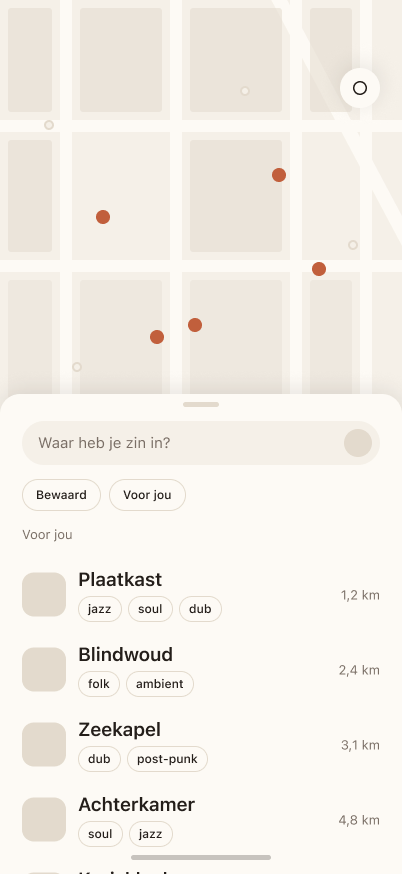
A map of record stores worth the trip, designed for iOS in light and dark.
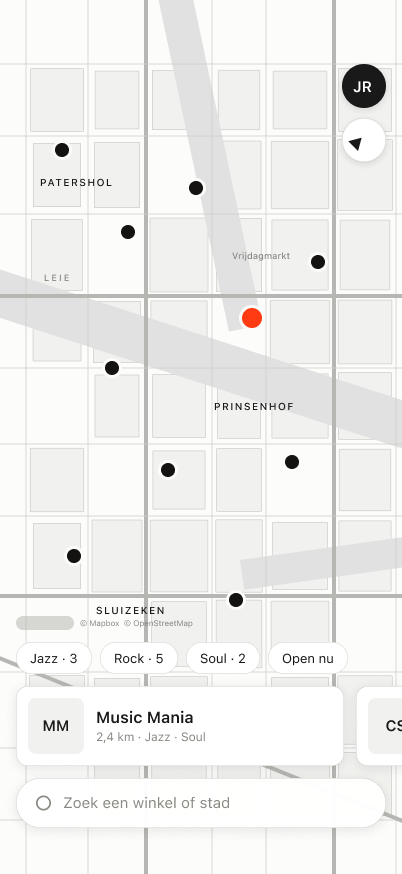
Side B finds record stores worth the trip. The iOS app is one screen: a map that fills the display, a search field fixed at the bottom, a row of stores above it and genre filters above that. No drawer, no detents.
Every state is decided, from an empty search to a city with no matches. Below: the map in light and dark, the full flow, what was dropped and why, and how it holds at the largest text size.
One map style, two themes. The map stays quiet so the pins and the stores carry the colour.
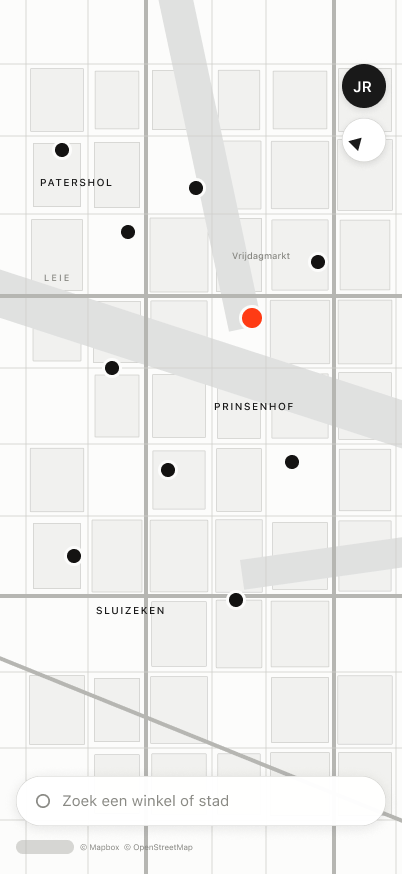
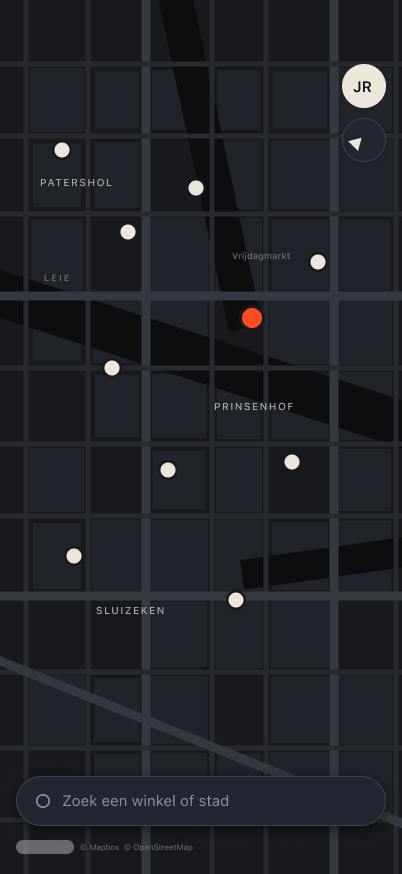
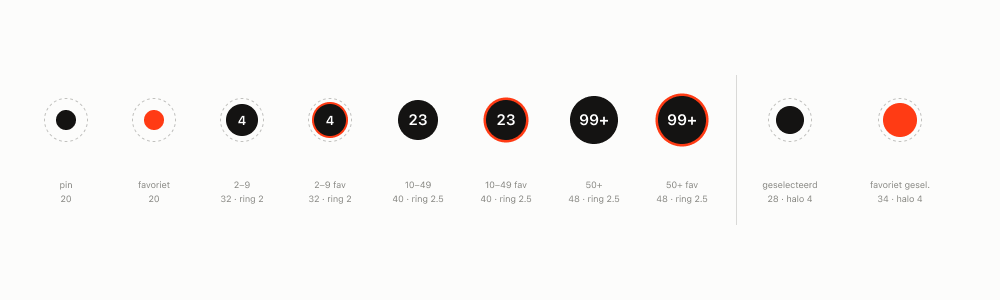
Every state in one flow, from rest to a city with no matches. Scroll sideways to follow it.

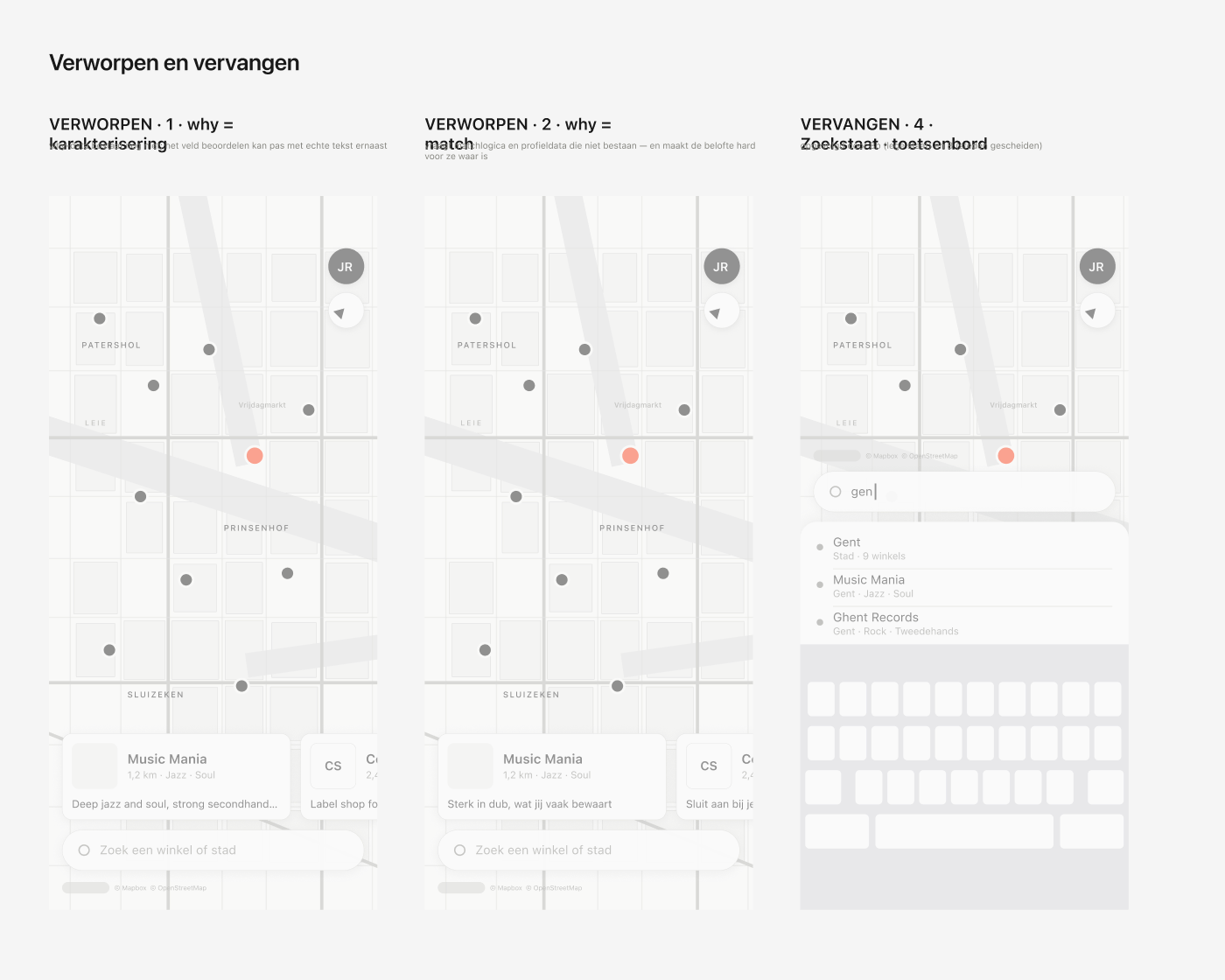
A line explaining why a store fits you was cut twice: the data behind it does not exist yet, and a match would promise something before it is true. Search with the keyboard took its place.
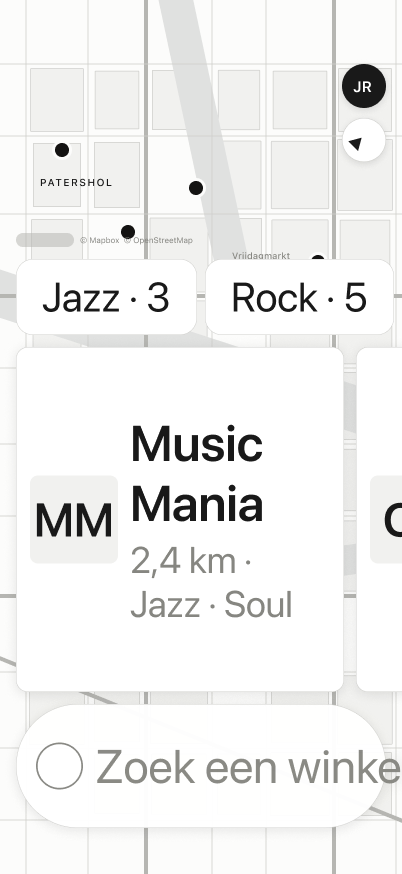
Standard text size next to the largest accessibility size. Nothing truncates, nothing overlaps.
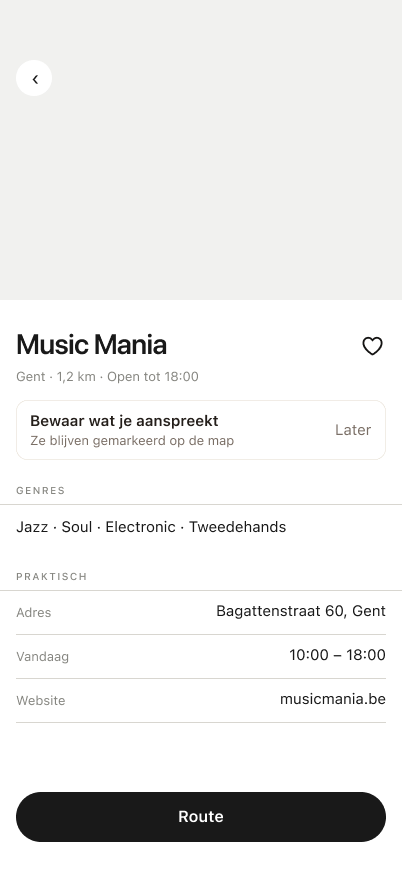
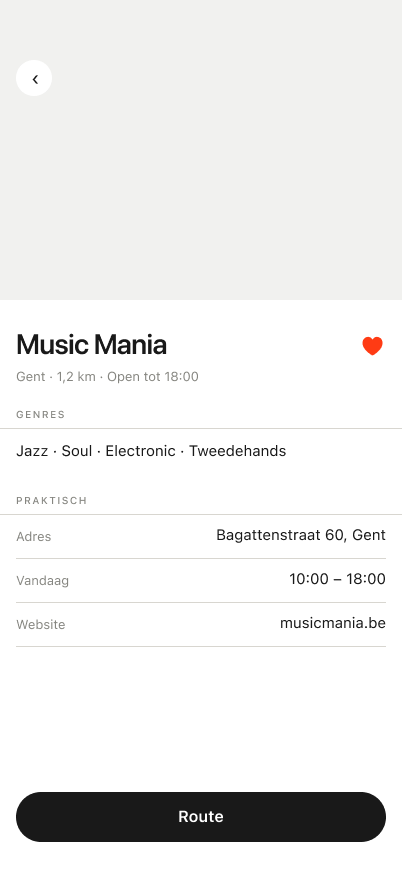
The detail sheet, before and after you save it.
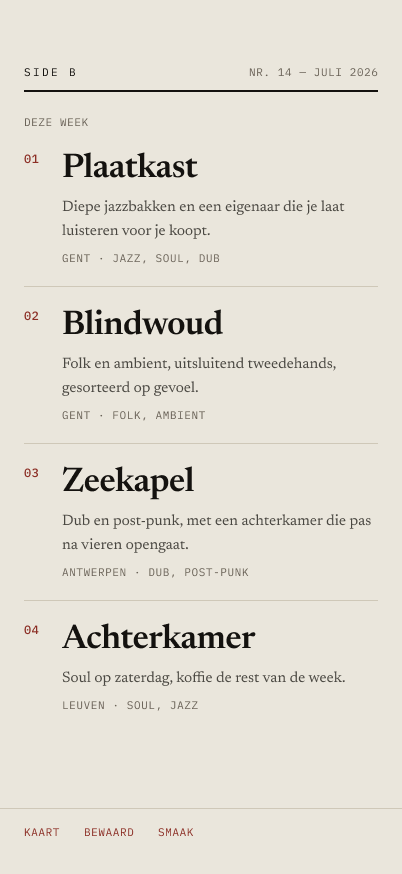
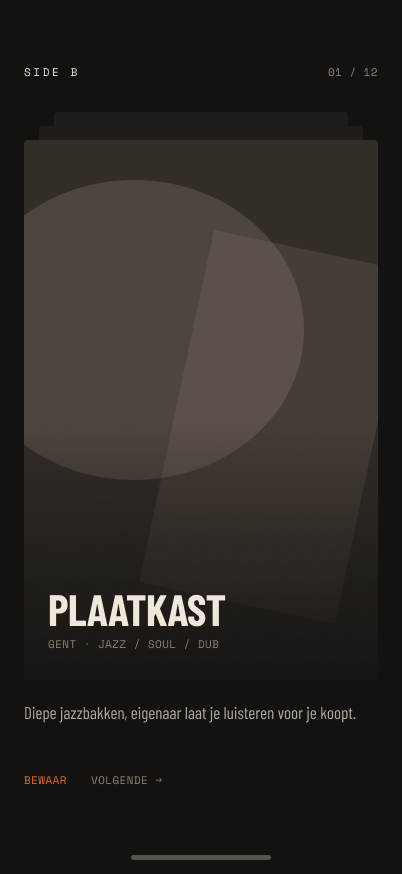
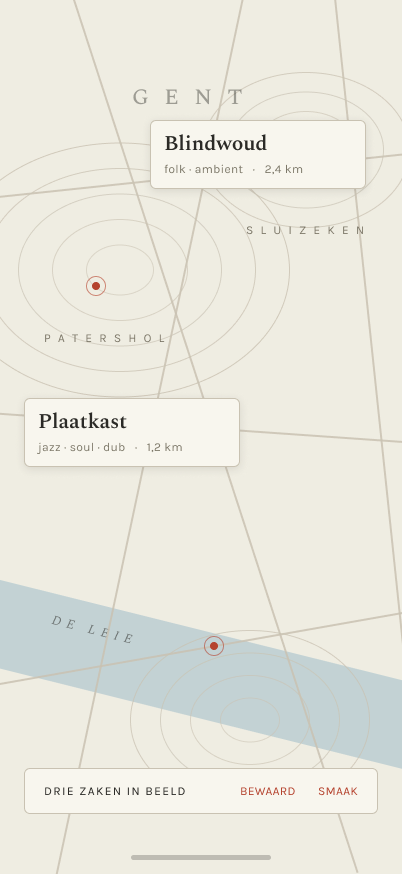
Four early directions on the same screens: warm, editorial, crate and cartographic. None of them shipped.
An internal webshop where railway staff order devices and services, and the design system it started.
[?] Ordering a laptop, software or access used to run through separate forms and mailboxes. The Service Catalog puts it in one place: browse, order for yourself or a colleague, approve, and follow every item until it arrives.
I designed the MVP: wireframes, prototype, UI and a first version of the design system. An agency later used that system as the base for Infrabel's other internal applications.
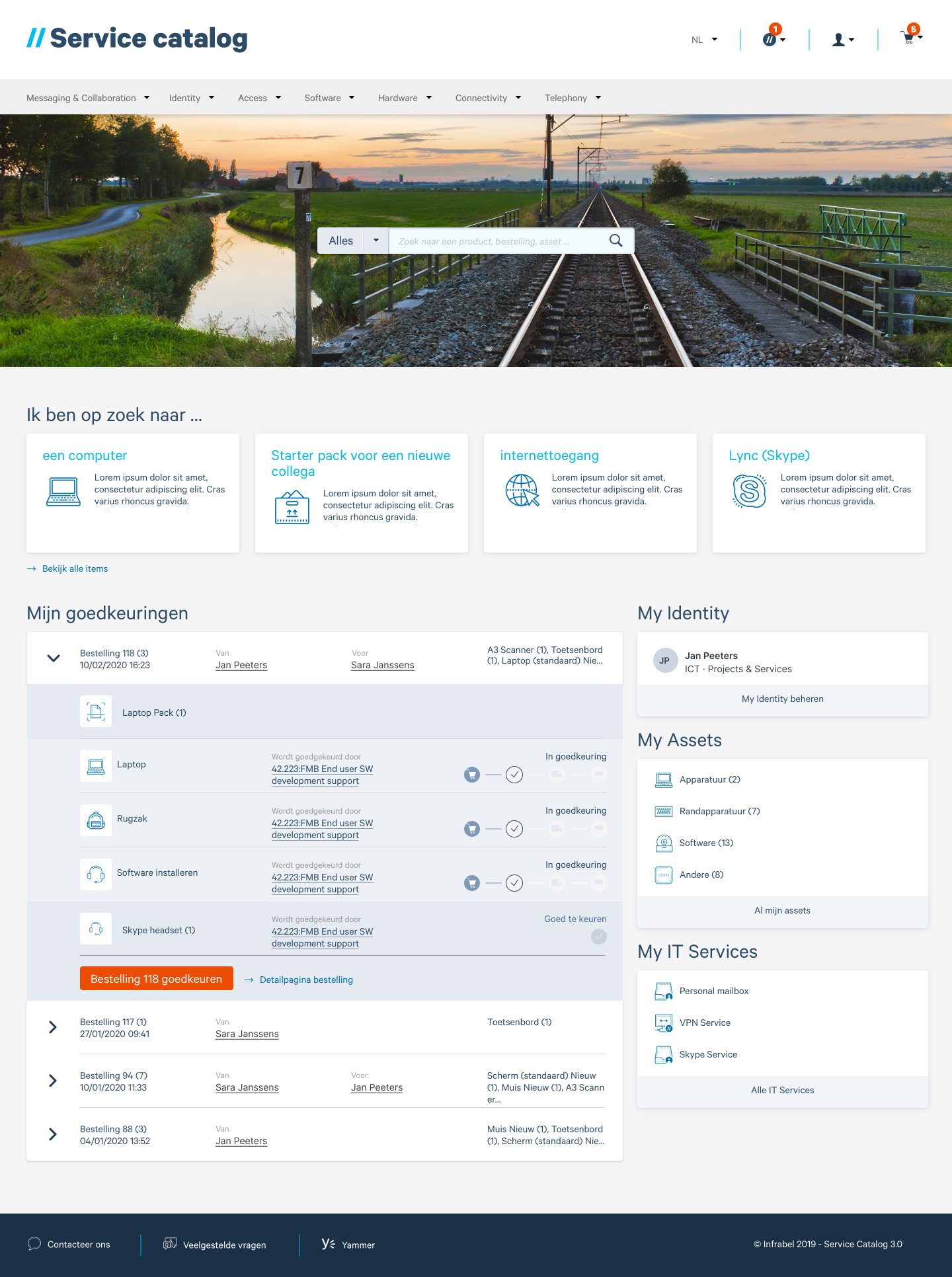
Search, quick starts, what waits for your approval and what you already own, on one page.
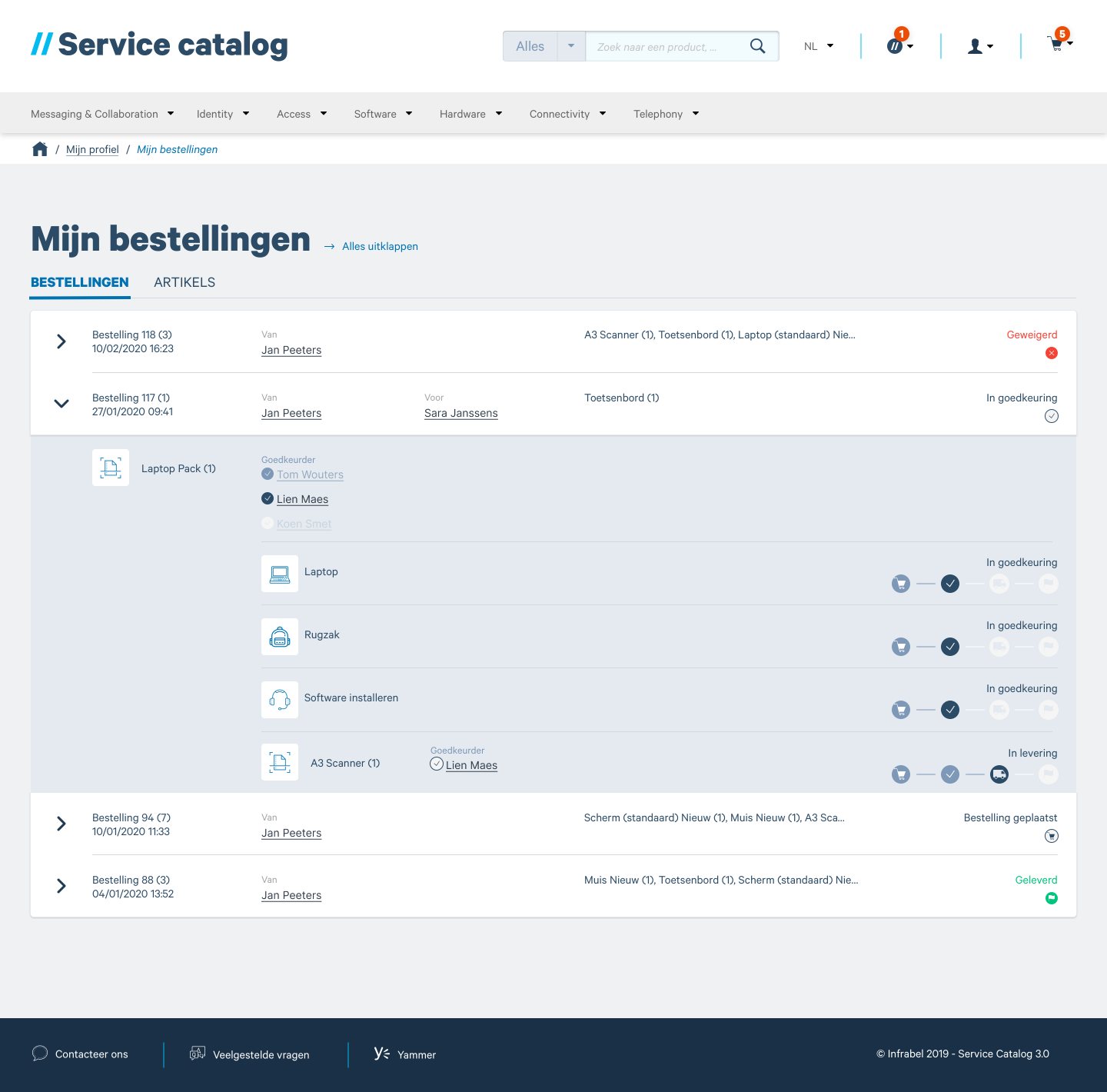
Every item carries its own approver and status, so one blocked item doesn't hold up the rest of the order.
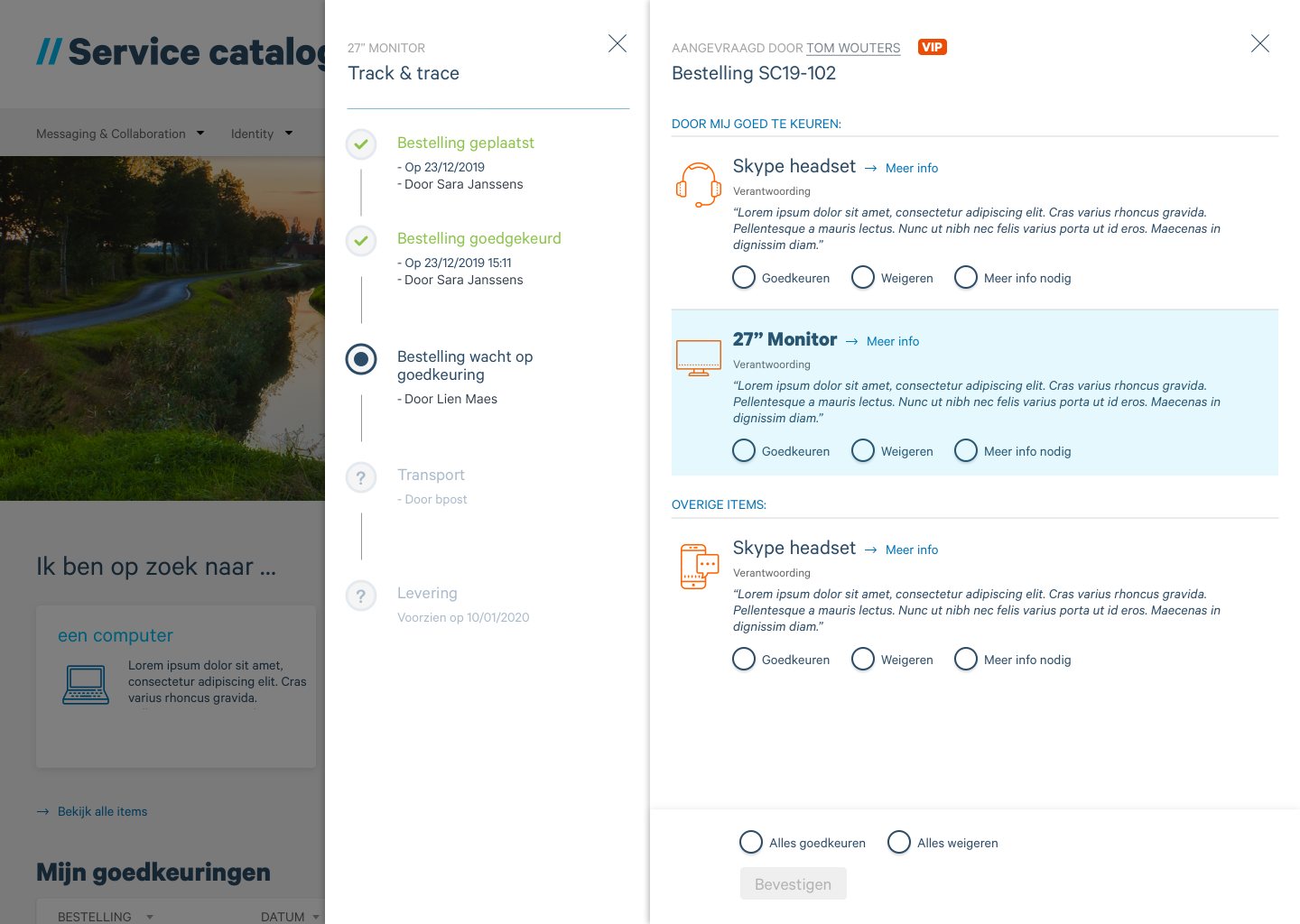
Where an order stands, next to what still waits for you to approve.
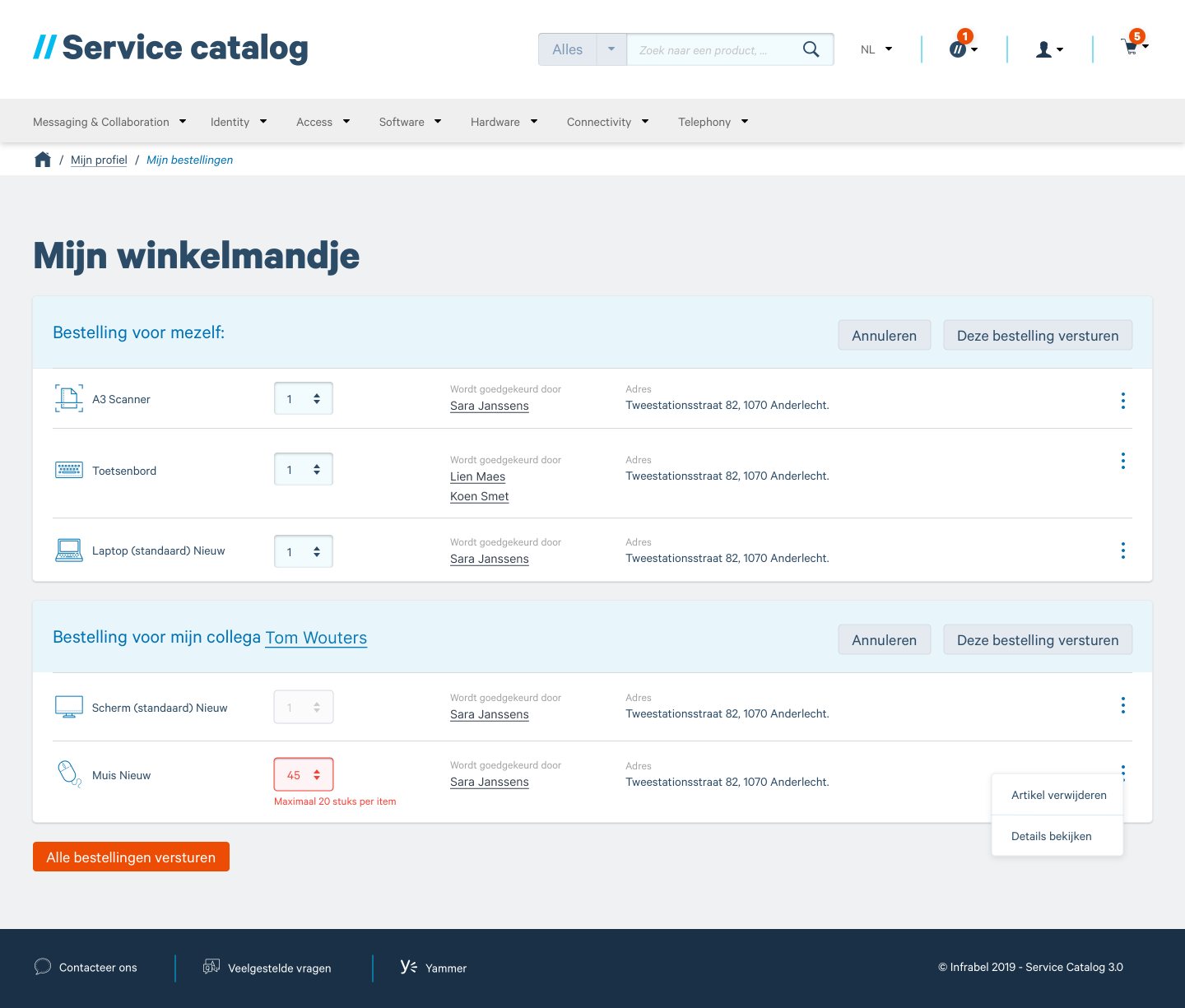
Order for yourself and a colleague in one go. Limits show at the field, before you send.
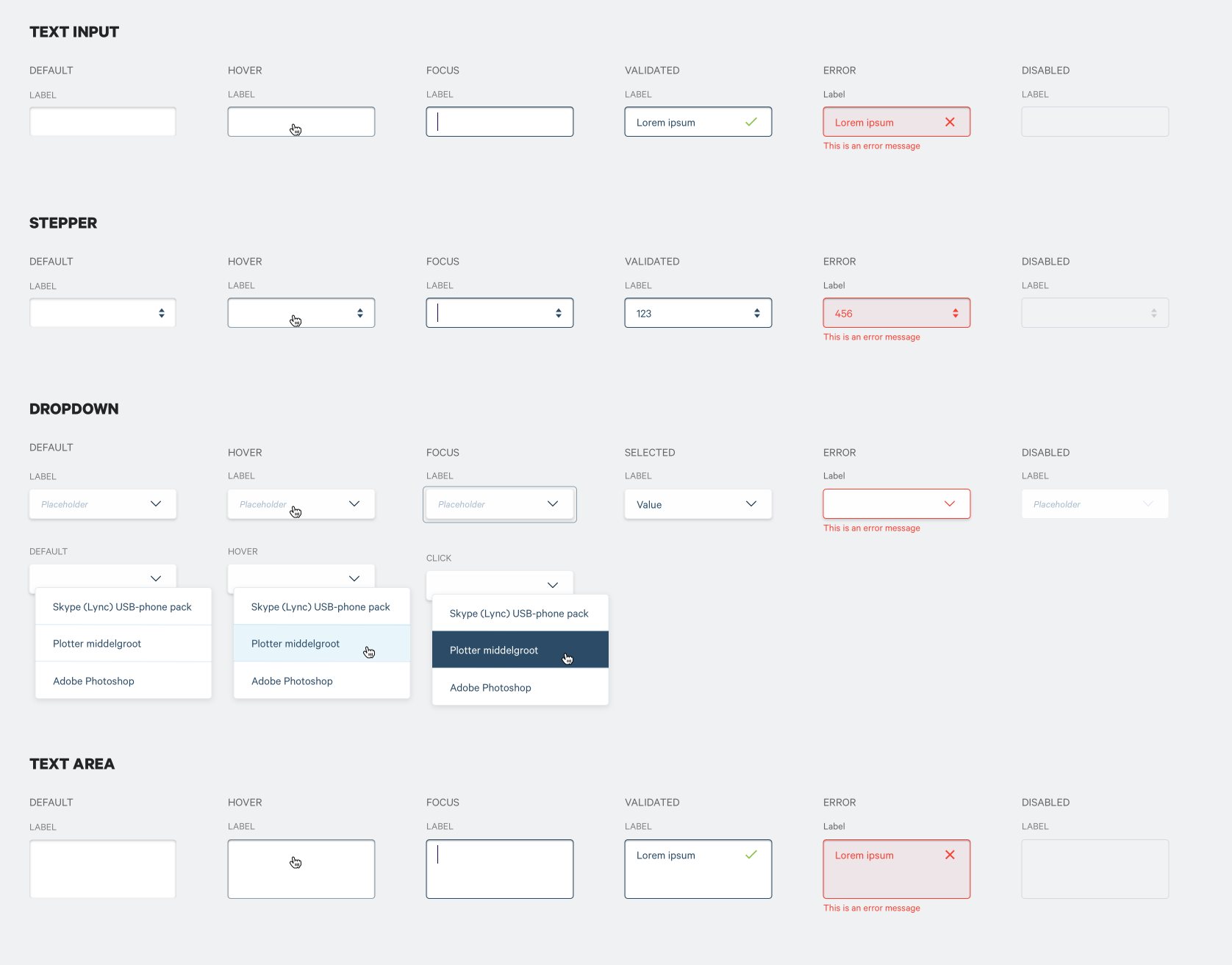
Text input, stepper, dropdown and text area, each in default, hover, focus, validated, error and disabled.